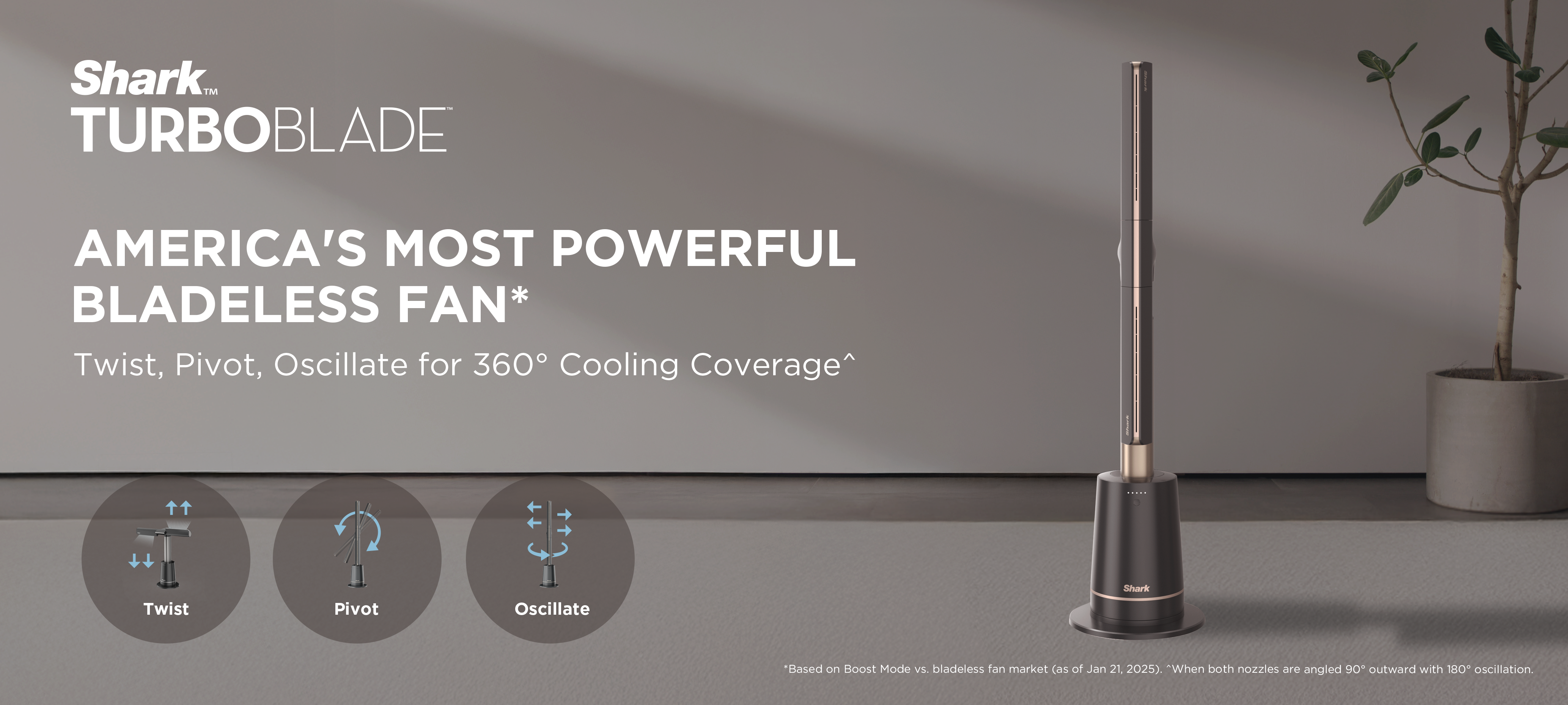
TF200SM TURBOBLADE BLADELESS FAN
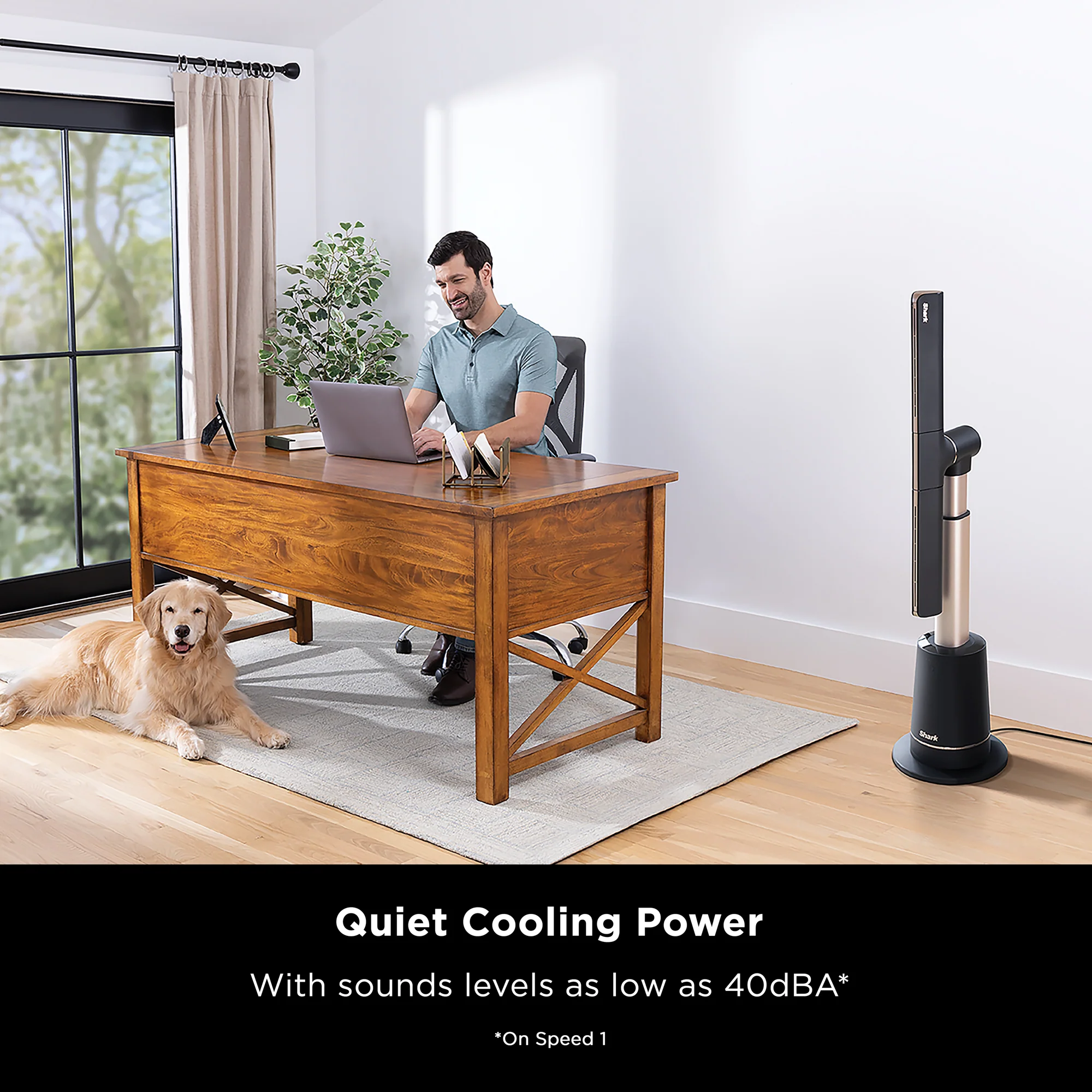
Bladeless Cooling Technology
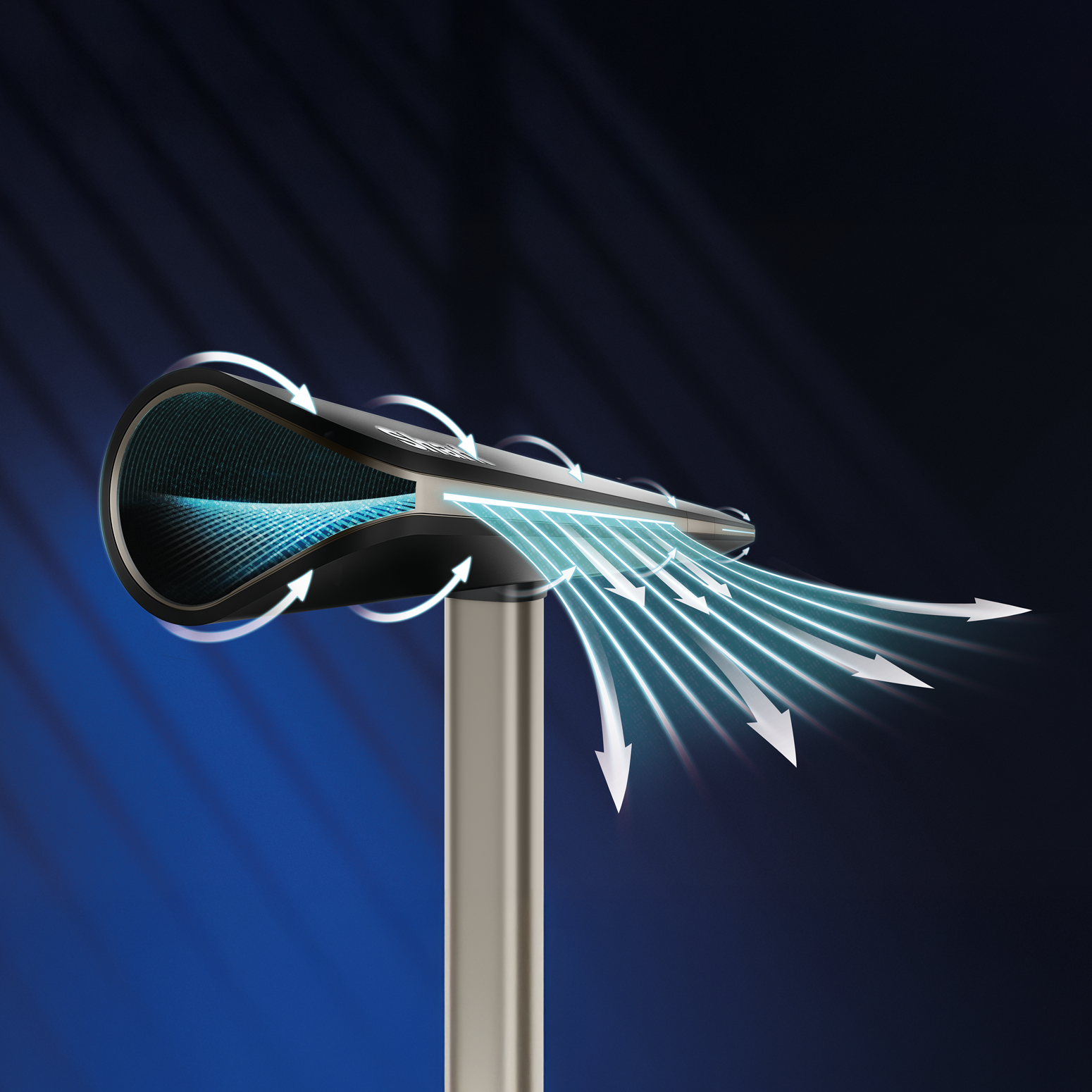
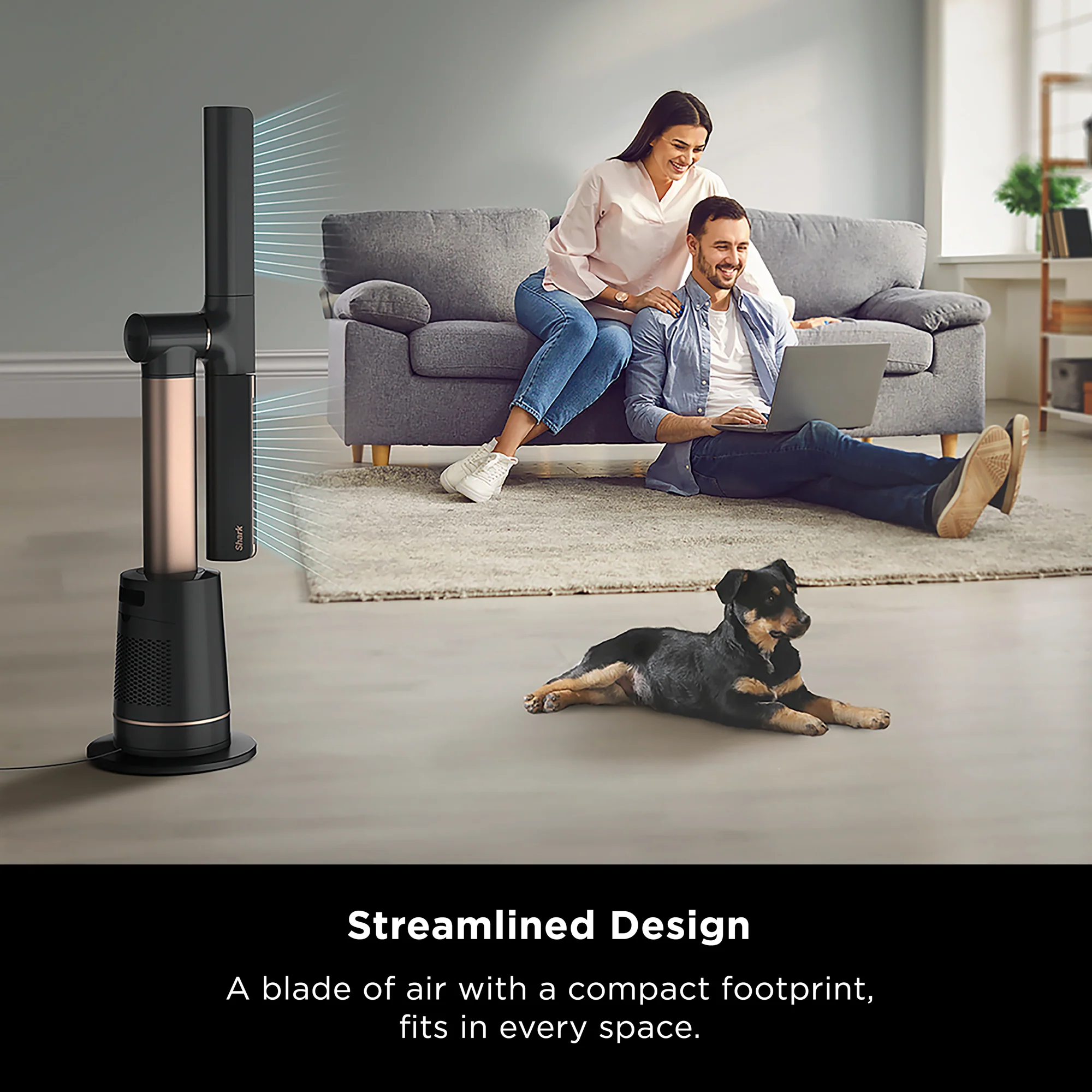
Creates a smooth, continuous stream of air that’s safe for families and easy to clean.
Powerful Airflow
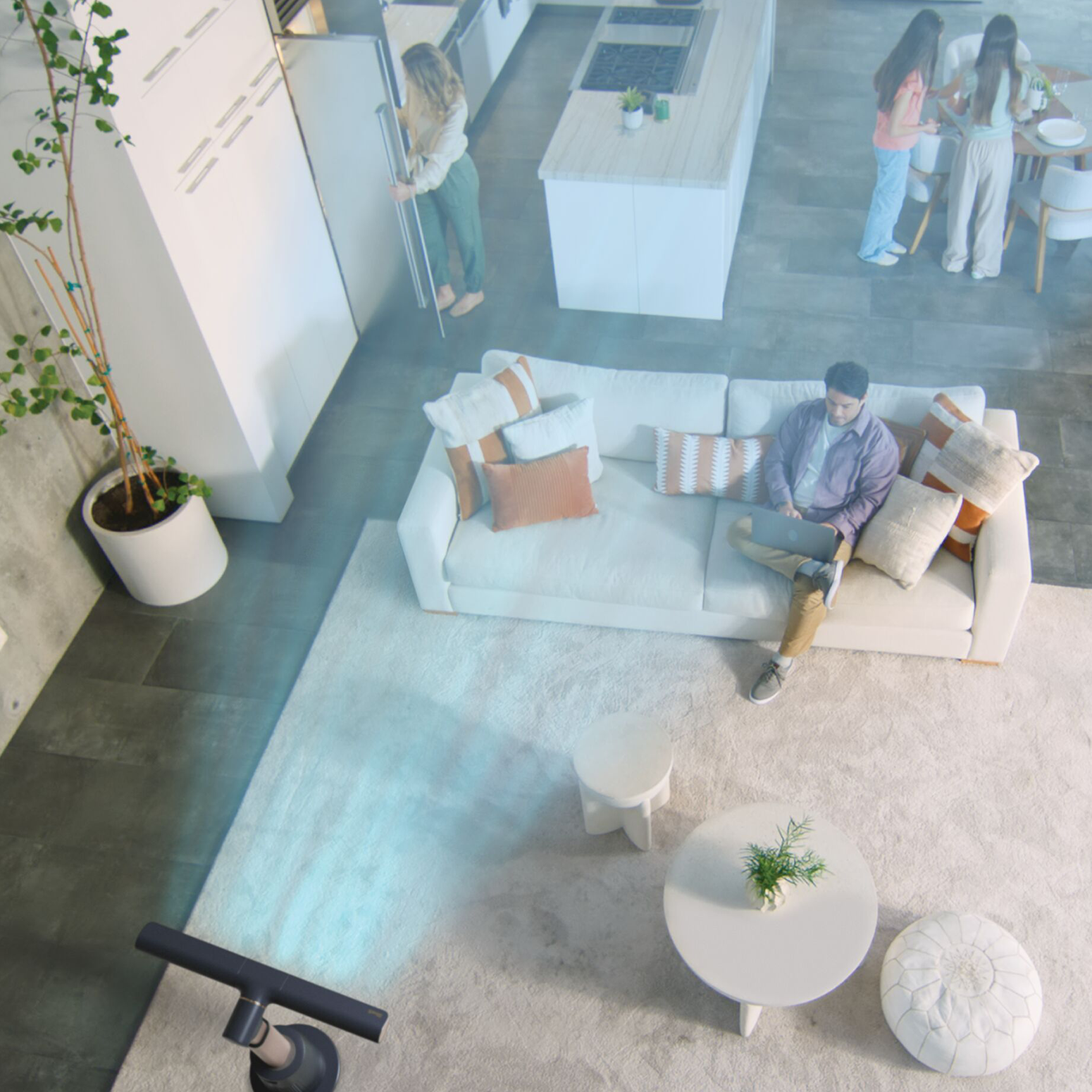
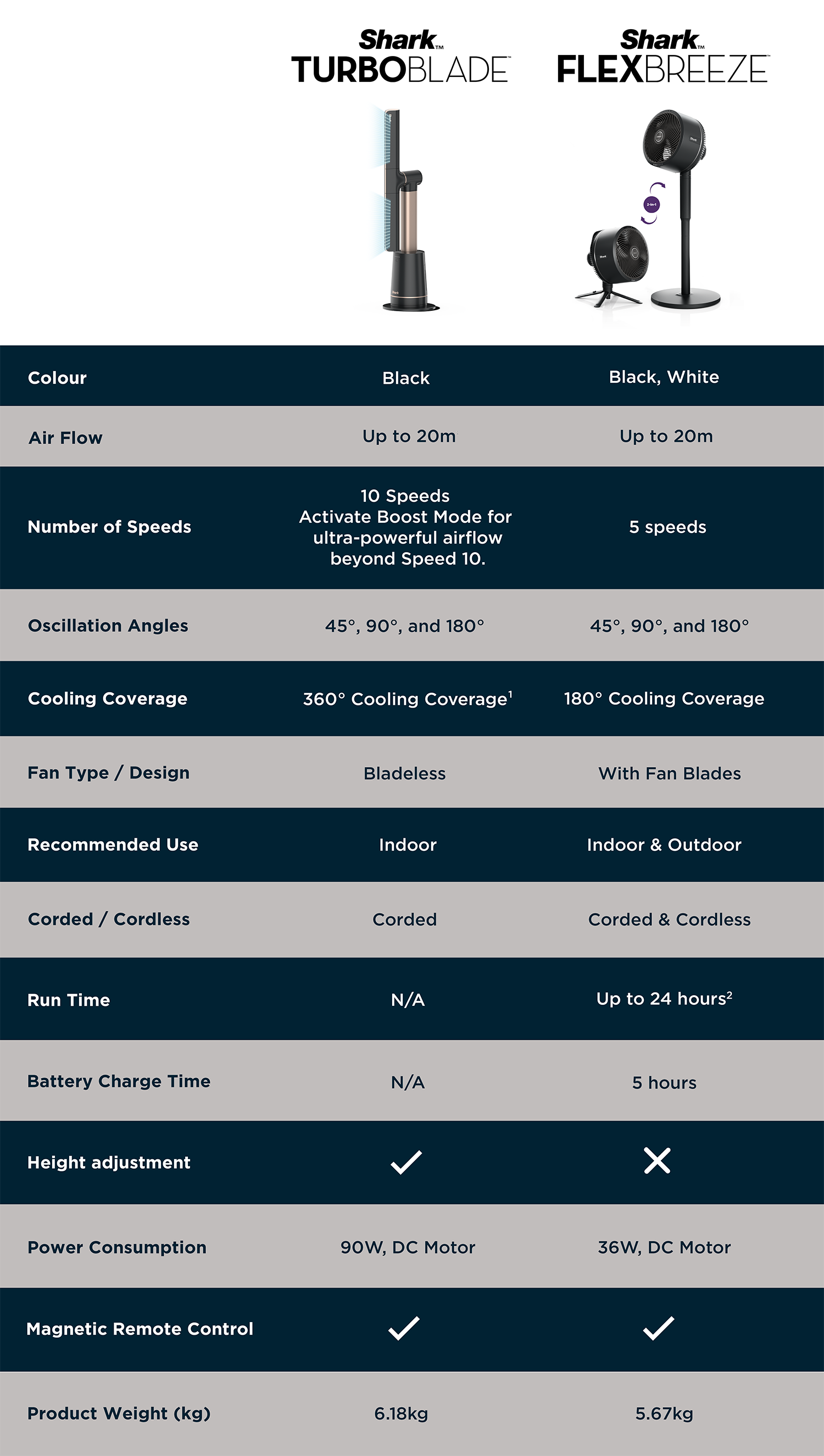
Delivers strong, consistent airflow that reaches up to 20m*
*In Boost Mode.
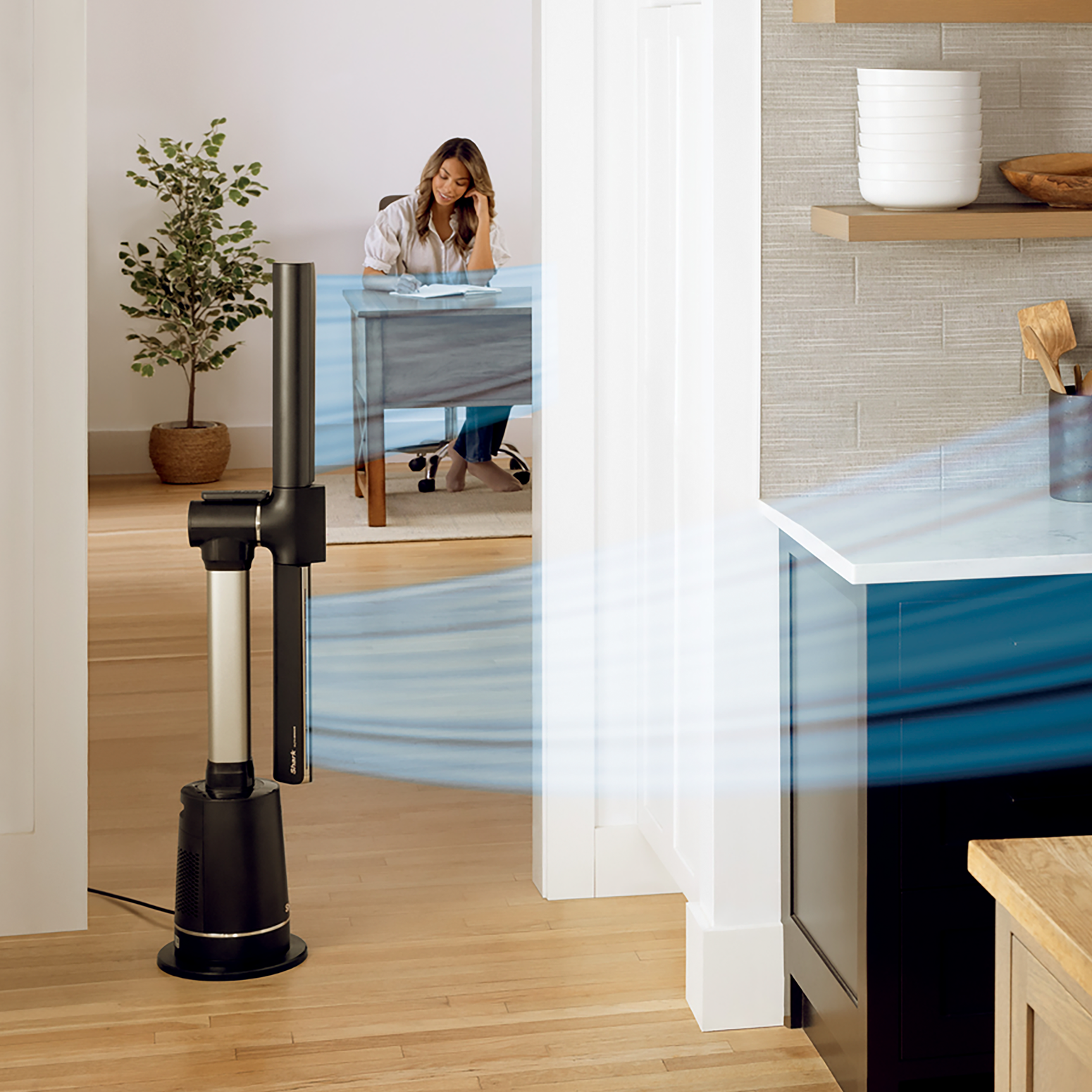
2x More Cooling Coverage*
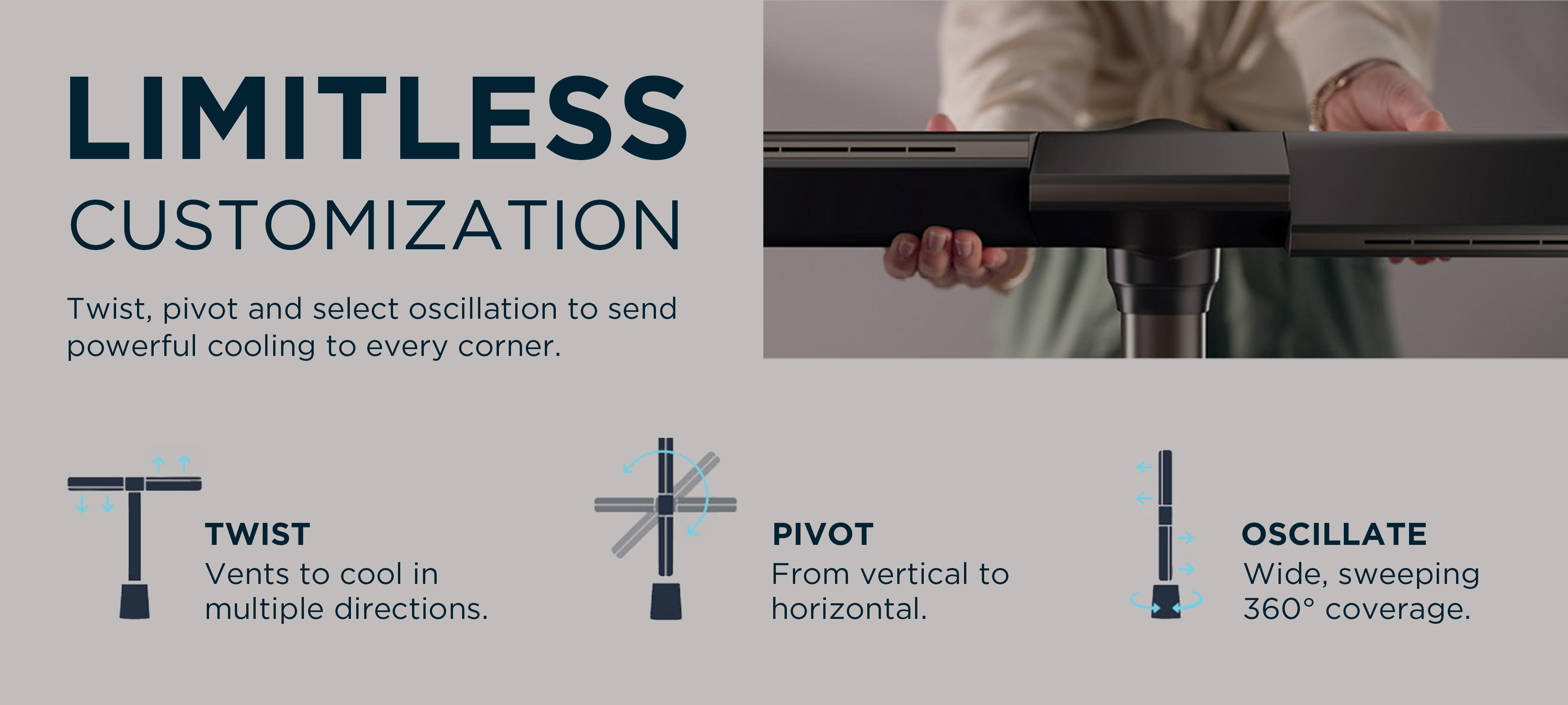
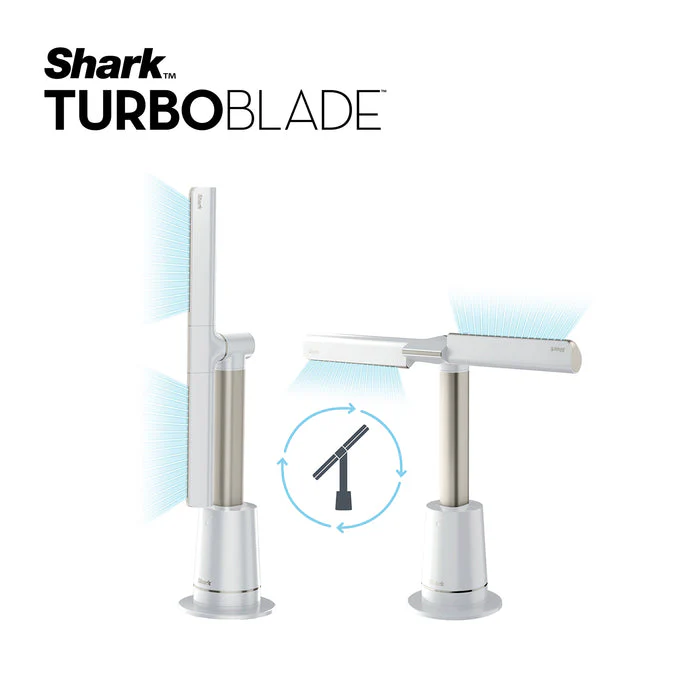
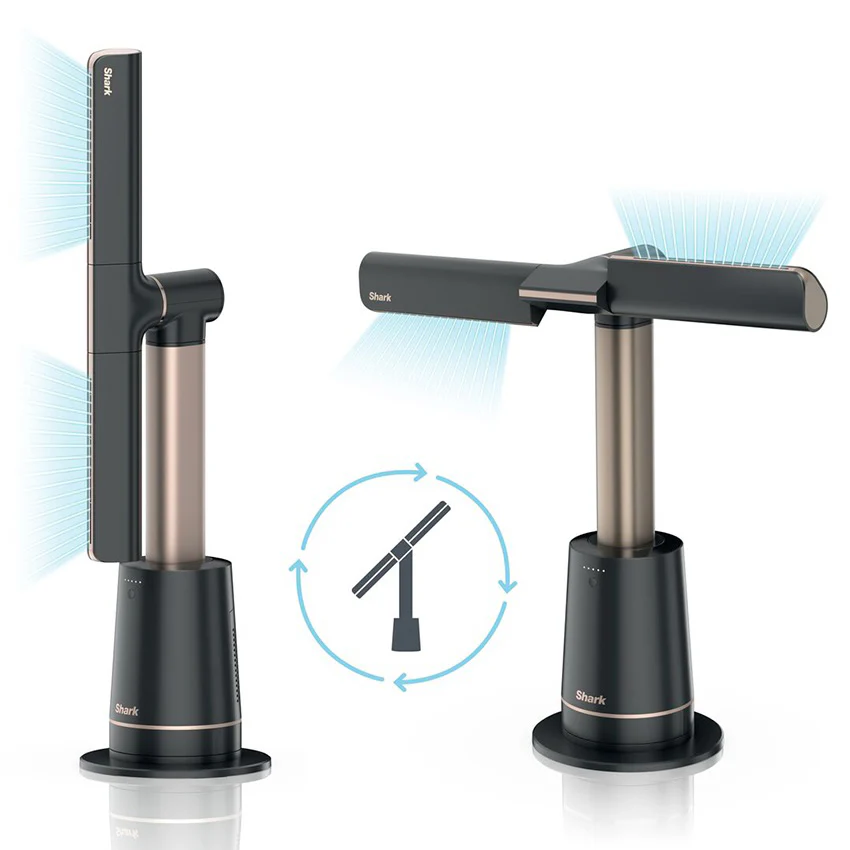
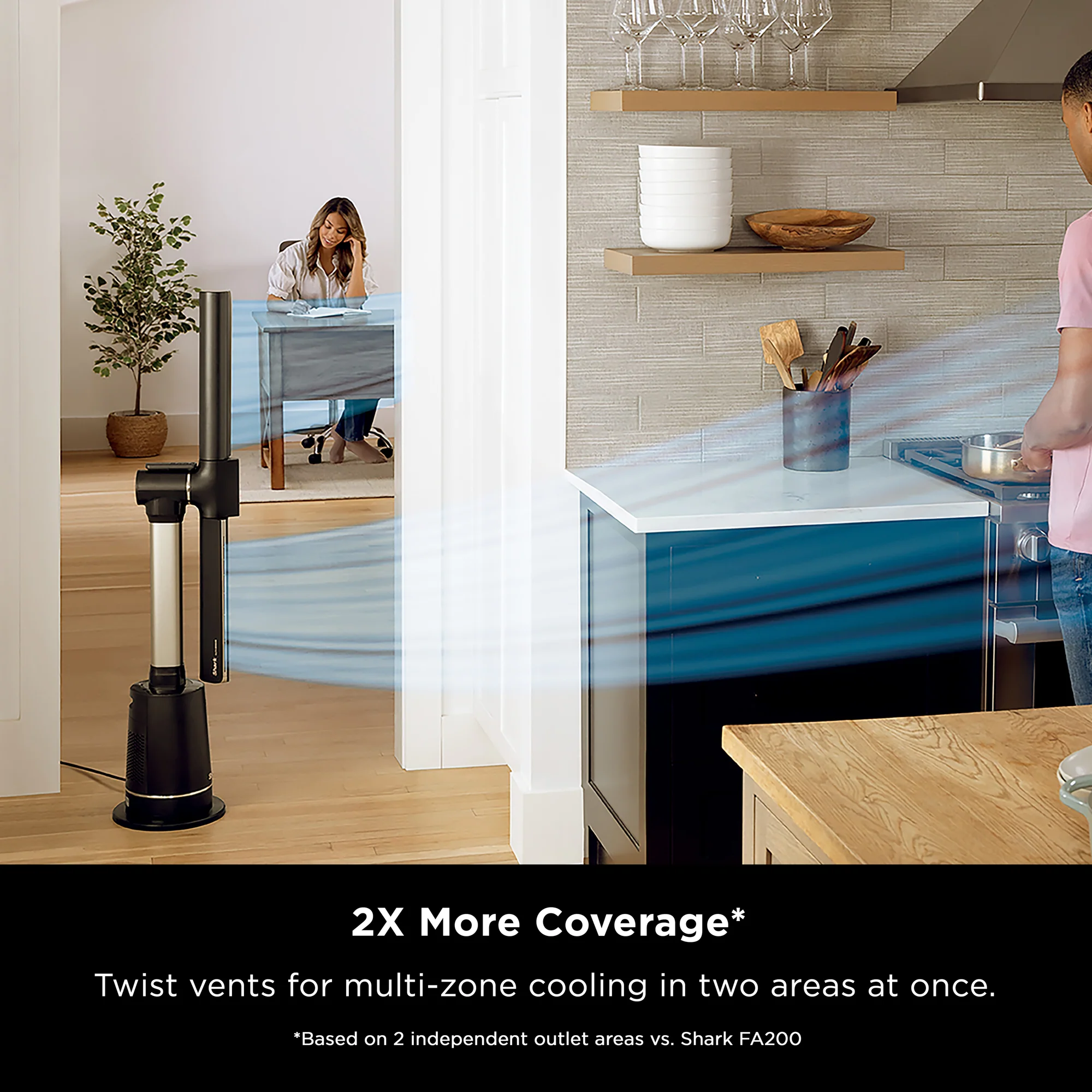
Dual vents provide widespread, soothing airflow - twist nozzles to cool two areas simultaneously.
*Based on 2 independent outlet areas vs. Shark FA200
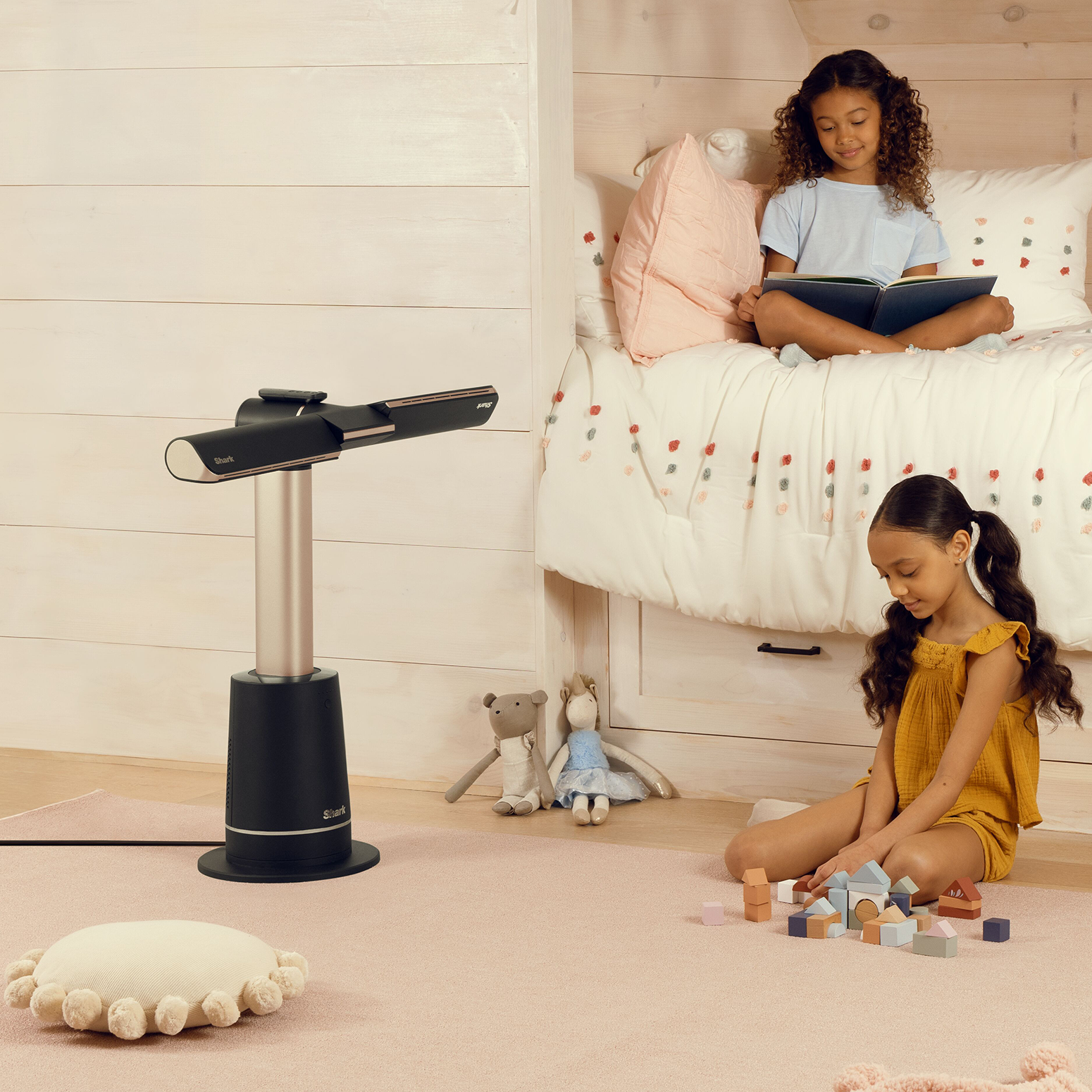
Tiered Coverage
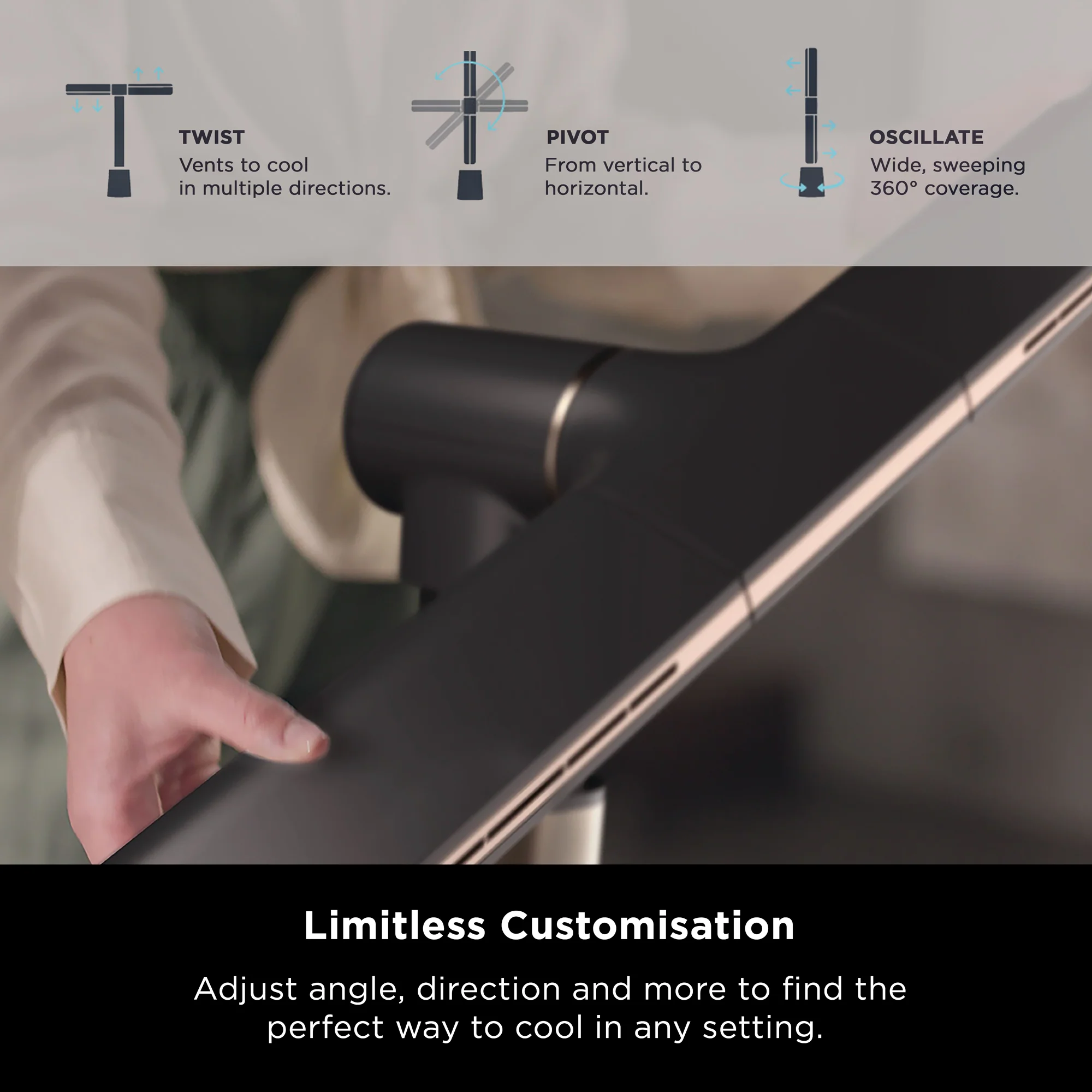
Pivot horizontally and twist each nozzle to direct airflow across two levels - cooling from floor to ceiling at once.
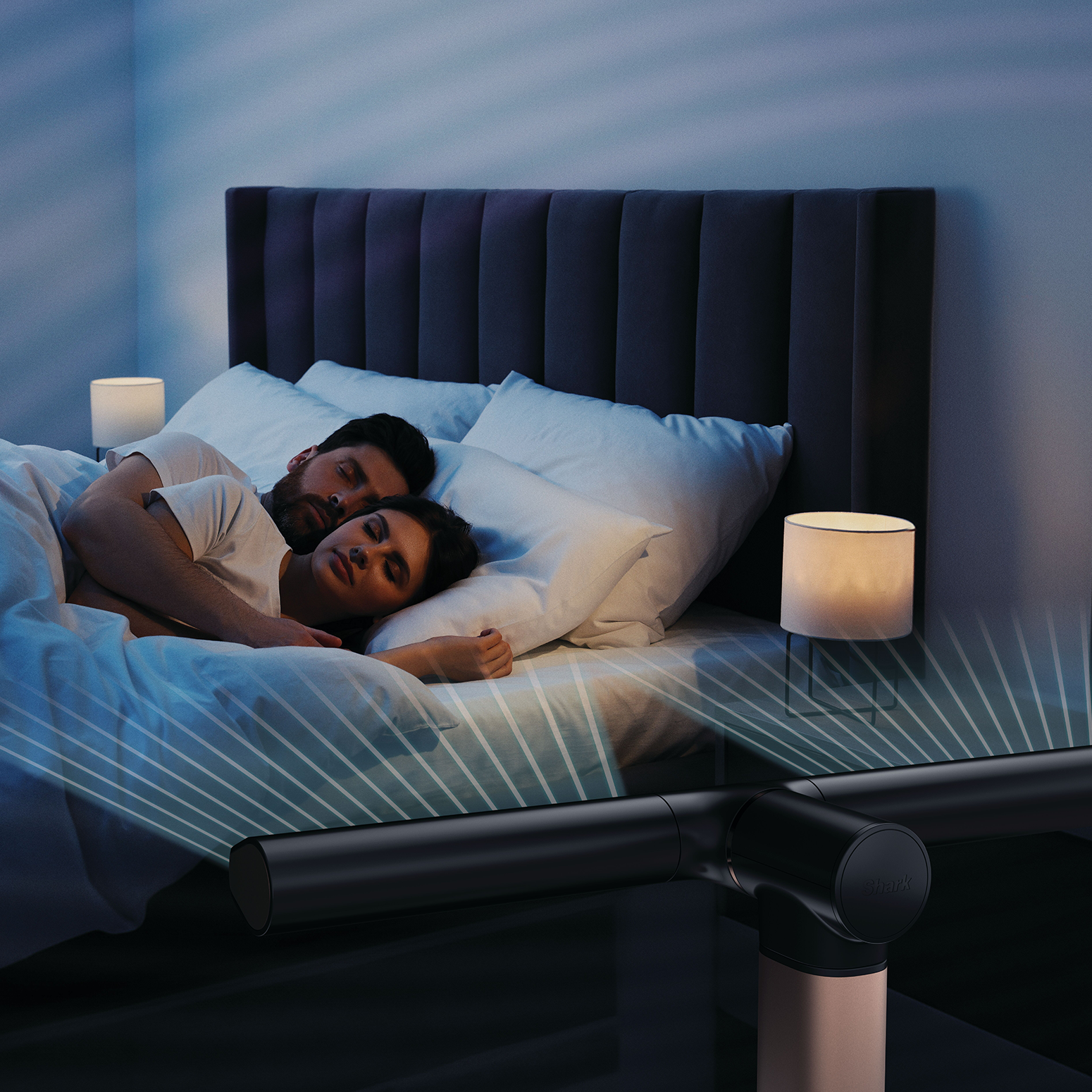
Air Blanket™ Mode
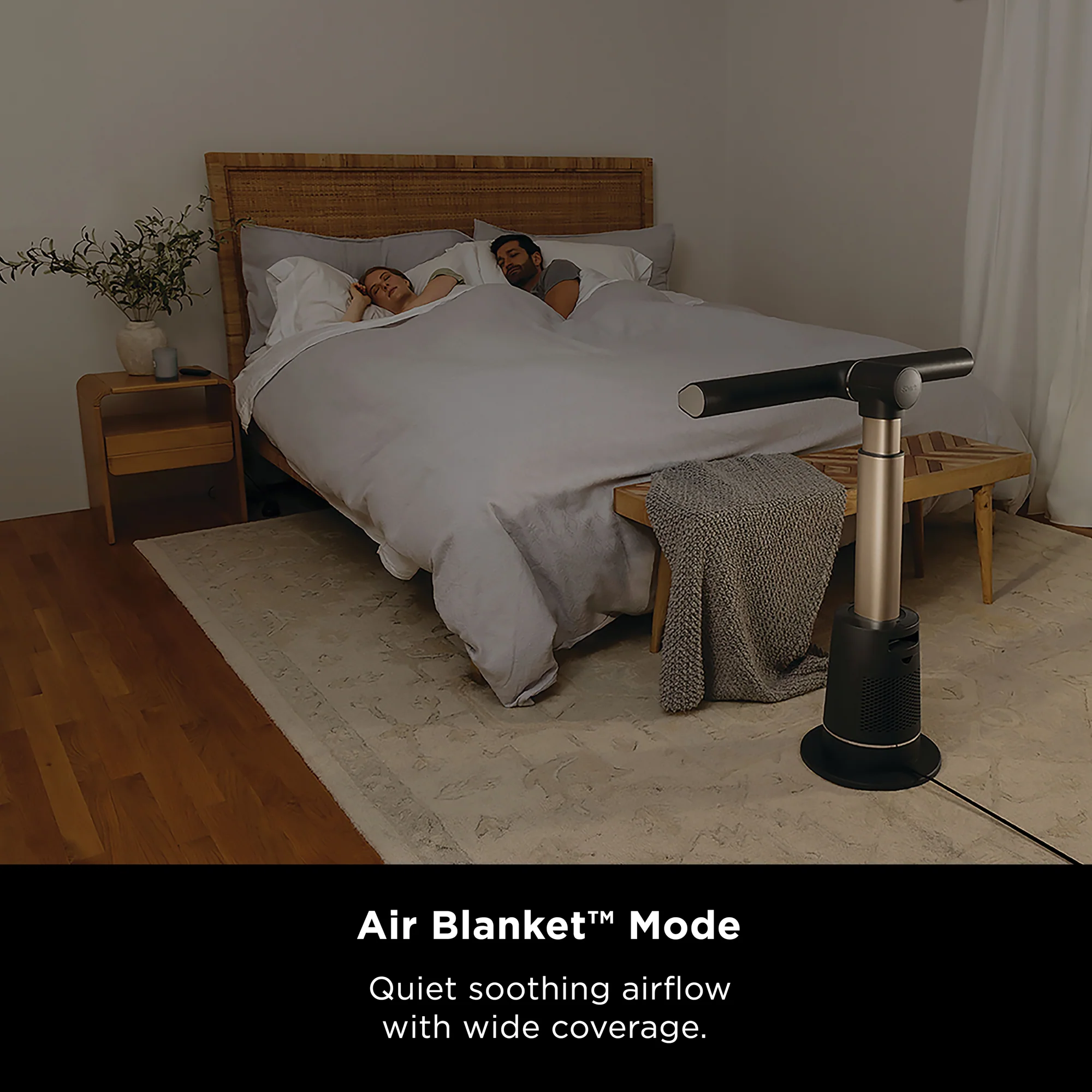
Say goodbye to intermittent cooling. Air Blanket™ Mode wraps you in consistent, full-body cooling - made for fan sleepers, perfect for restful sleep.
Switch to Sleep Mode for 8 hours of optimised cooling: the fan auto-adjusts airflow amd ambient noise, while dimming lights and muting chimes.

BreezeBoost Mode
Feeling the heat and need extra cooling power? Activate BreezeBoost Mode for ultra-powerful airflow beyond Speed 10 - reaching up to 20m. Perfect for large rooms and those extra hot days.

Natural Breeze Mode
Activate Natural Breeze Mode for gentle, refreshing airflow that mimics the rhythm of natural wind.
Images are for illustration purposes only. Color and specifications may vary.
1. When both nozzles are angled 90° outward with 180° oscillation.
2. Based on fan speed 1 without oscillation.
Frequently Asked Questions (FAQ)
|
How does the Shark TurboBlade™ work without visible blades? The Shark TurboBlade™ features a bladeless design powered by internal high-velocity airflow technology. Instead of exposed blades, air is drawn in and channeled through precision-shaped vents — delivering smooth, powerful, and continuous airflow in a sleek, safe de |
|
How do I adjust the fan between vertical and horizontal angles? Simply grip one end of the fan arm and rotate it to your desired position. The fan offers 360-degree manual rotation for flexible airflow control. |
|
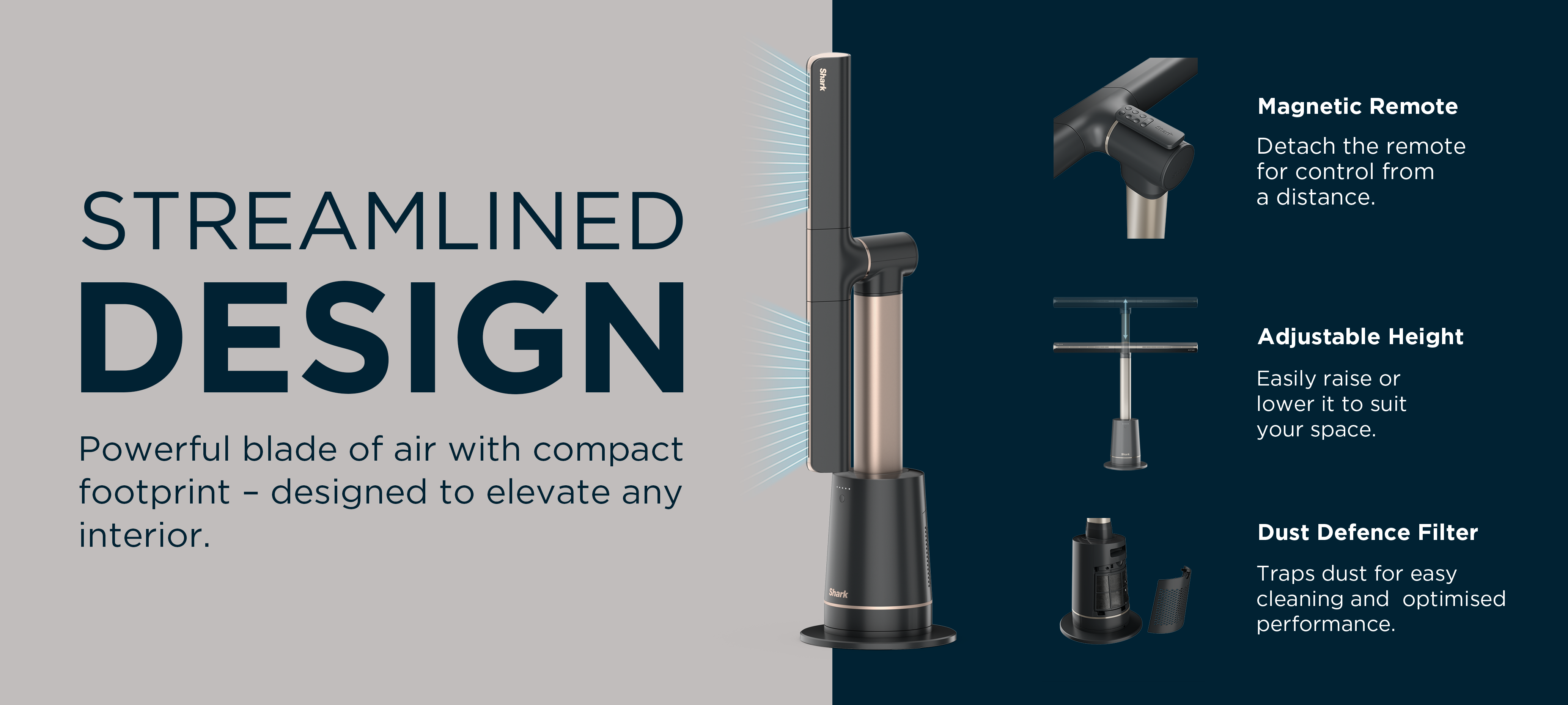
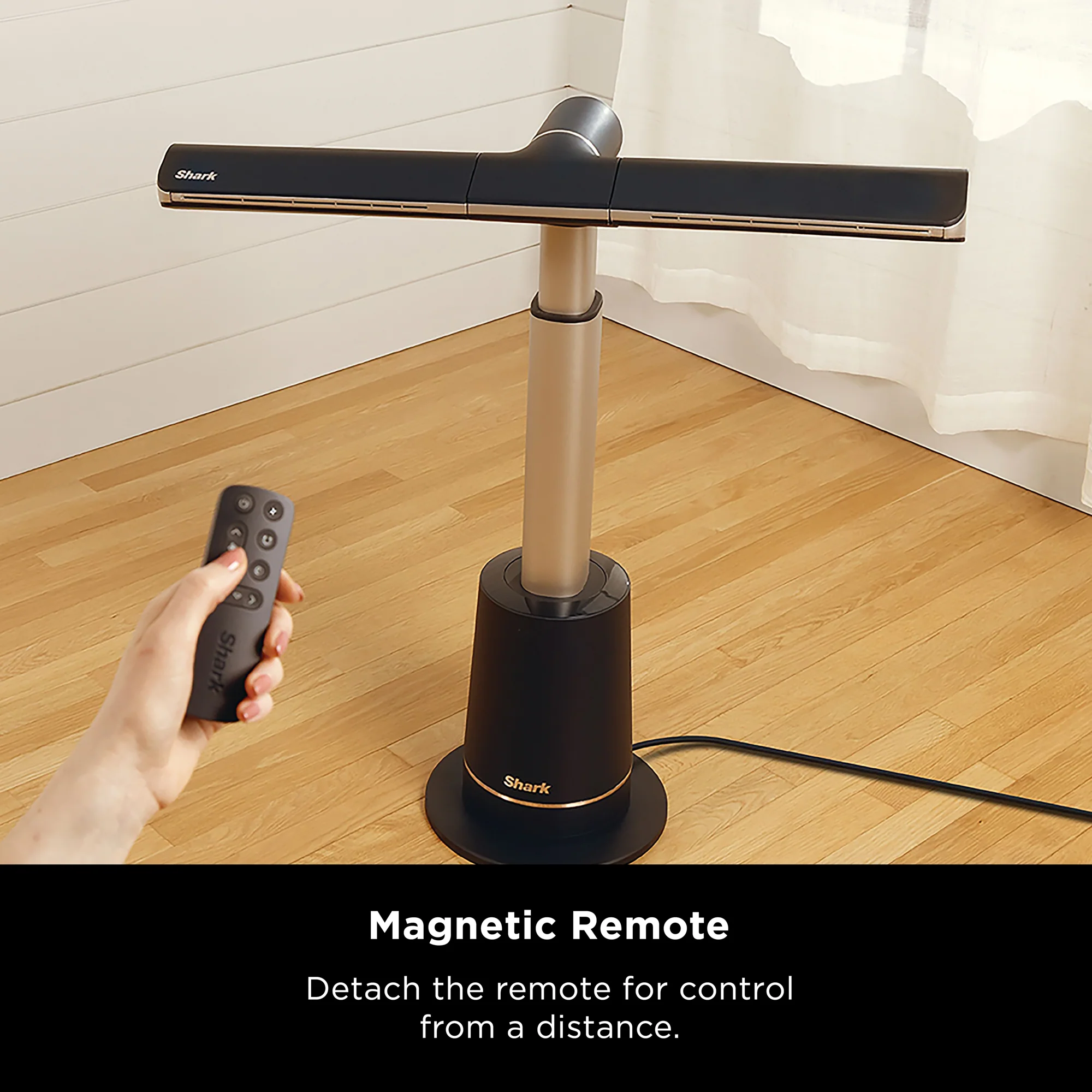
Can I use the remote to adjust the fan’s rotation or twist vents? The fan arm rotation and twist vents are manually adjustable only. However, you can use the remote to control oscillation, with three oscillation angle settings. The remote — which magnetically attaches to the fan — lets you: - Power the fan on/off |
|
How do I activate and switch between the three Specialty Modes? You can activate any of the three Specialty Modes using the remote control. Air Blanket Mode: LED lights cycle from right to left. |
|
How easy is it to clean? Very easy. The Shark TurboBlade™ is designed for simple maintenance — just wipe down the exterior, fan arm and vents with a damp microfiber cloth to keep it fresh and dust-free. |
|
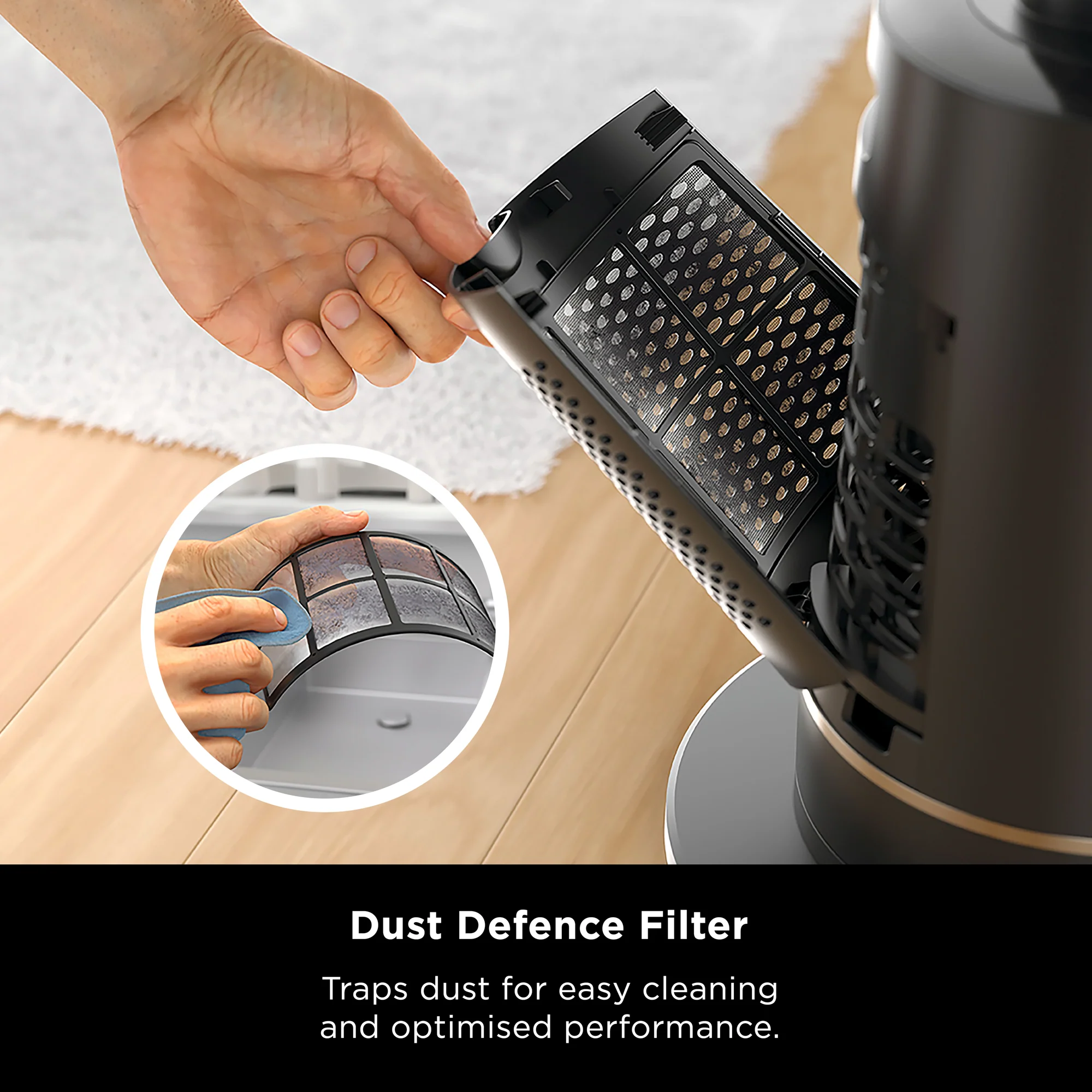
Why has the airflow gotten less powerful over time? You may need to clear out the Dust Defense filter - excessive Dust Defense debris could result in an impact to performance. |
|
How often should I clean the Dust Defense filter? We recommend cleaning both the fan and the Dust Defense filter every 6 months or as needed, depending on usage. |
|
Helpful Videos - Getting Started: Assembling the Shark TurboBlade - video - How to customise settings for the Shark TurboBlade - video - Maintaining your Shark TurboBlade - video |
Original: $391.35
-70%$391.35
$117.41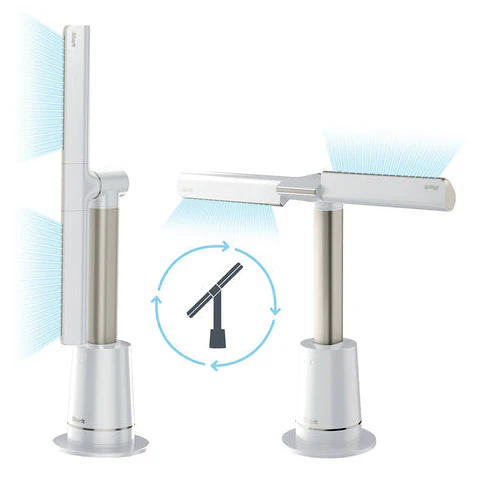




Description
Bladeless Cooling Technology
Creates a smooth, continuous stream of air that’s safe for families and easy to clean.
Powerful Airflow
Delivers strong, consistent airflow that reaches up to 20m*
*In Boost Mode.
2x More Cooling Coverage*
Dual vents provide widespread, soothing airflow - twist nozzles to cool two areas simultaneously.
*Based on 2 independent outlet areas vs. Shark FA200
Tiered Coverage
Pivot horizontally and twist each nozzle to direct airflow across two levels - cooling from floor to ceiling at once.
Air Blanket™ Mode
Say goodbye to intermittent cooling. Air Blanket™ Mode wraps you in consistent, full-body cooling - made for fan sleepers, perfect for restful sleep.
Switch to Sleep Mode for 8 hours of optimised cooling: the fan auto-adjusts airflow amd ambient noise, while dimming lights and muting chimes.
BreezeBoost Mode
Feeling the heat and need extra cooling power? Activate BreezeBoost Mode for ultra-powerful airflow beyond Speed 10 - reaching up to 20m. Perfect for large rooms and those extra hot days.
Natural Breeze Mode
Activate Natural Breeze Mode for gentle, refreshing airflow that mimics the rhythm of natural wind.
Images are for illustration purposes only. Color and specifications may vary.
1. When both nozzles are angled 90° outward with 180° oscillation.
2. Based on fan speed 1 without oscillation.
Frequently Asked Questions (FAQ)
|
How does the Shark TurboBlade™ work without visible blades? The Shark TurboBlade™ features a bladeless design powered by internal high-velocity airflow technology. Instead of exposed blades, air is drawn in and channeled through precision-shaped vents — delivering smooth, powerful, and continuous airflow in a sleek, safe de |
|
How do I adjust the fan between vertical and horizontal angles? Simply grip one end of the fan arm and rotate it to your desired position. The fan offers 360-degree manual rotation for flexible airflow control. |
|
Can I use the remote to adjust the fan’s rotation or twist vents? The fan arm rotation and twist vents are manually adjustable only. However, you can use the remote to control oscillation, with three oscillation angle settings. The remote — which magnetically attaches to the fan — lets you: - Power the fan on/off |
|
How do I activate and switch between the three Specialty Modes? You can activate any of the three Specialty Modes using the remote control. Air Blanket Mode: LED lights cycle from right to left. |
|
How easy is it to clean? Very easy. The Shark TurboBlade™ is designed for simple maintenance — just wipe down the exterior, fan arm and vents with a damp microfiber cloth to keep it fresh and dust-free. |
|
Why has the airflow gotten less powerful over time? You may need to clear out the Dust Defense filter - excessive Dust Defense debris could result in an impact to performance. |
|
How often should I clean the Dust Defense filter? We recommend cleaning both the fan and the Dust Defense filter every 6 months or as needed, depending on usage. |
|
Helpful Videos - Getting Started: Assembling the Shark TurboBlade - video - How to customise settings for the Shark TurboBlade - video - Maintaining your Shark TurboBlade - video |